
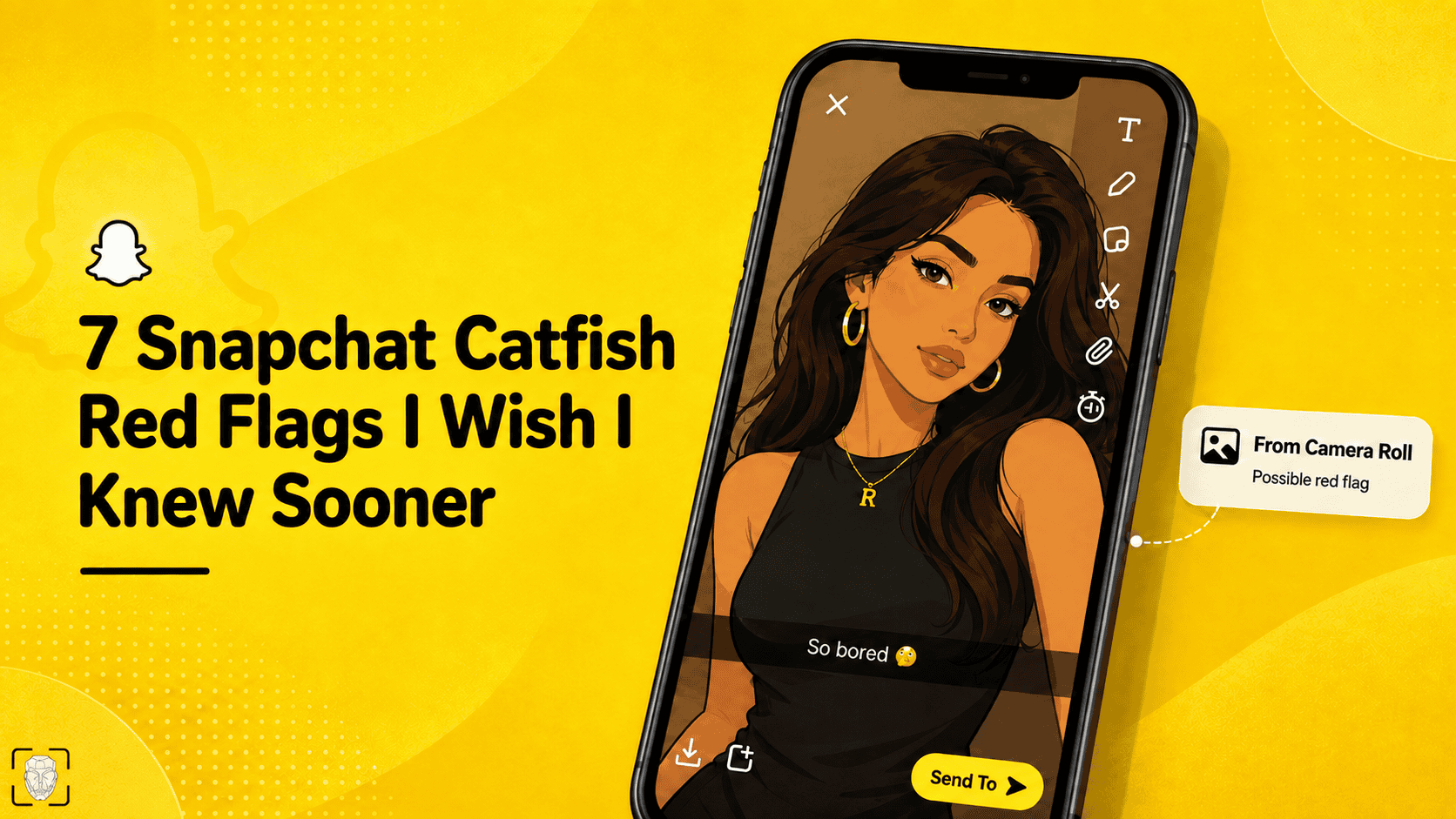
On Snapchat, messages and snaps disappear in seconds (or within 24 hours), interactions feel super casual, and you don’t need to know someone personally to become friends.
That’s often harmless, but Snapchat has more than 493 million daily users, and there’s an awful lot of scammer activity on the app.
Instead of overthinking, keep an eye out for these 7 Snapchat catfish signs:
1. Frequently Changing Snapchat Display Names
Scammers often switch between different Snapchat nicknames or usernames to hide previous identities, impersonate different people, or make their account harder to trace.
E.g., from “Ashley Babygirl” to “Emily xx”.
Tip: Check older Snapchat chats for conflicting details, names, ages, or locations. If you notice inconsistencies, report the profile for fake identity/impersonation.
2. Casual Zoomed-in & Low-Quality Snaps
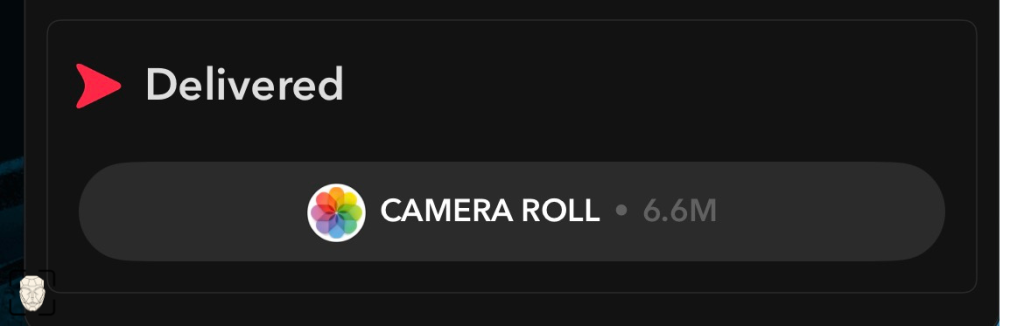
Zoomed-in and blurry snaps, full-body images, or snaps with the Camera Roll filter are the most obvious signs that someone is using stolen photos on Snapchat.
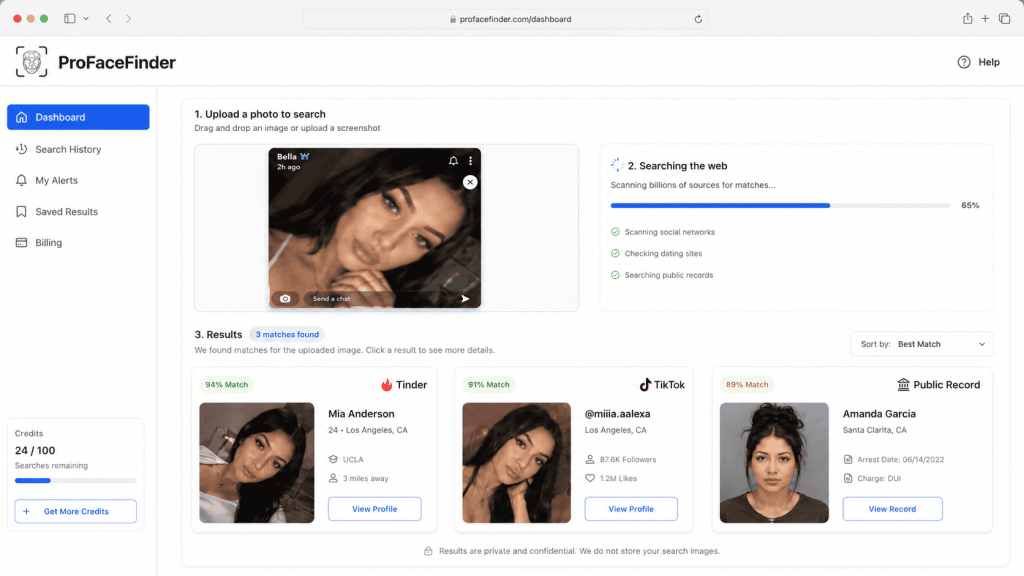
Tip: Save 2 to 5 odd snaps and run a reverse image search on ProFaceFinder to see if a Snapchat user is catfishing (for $7.95 or $11.95).
See if these photos have different names attached or are connected to any criminal or scammer activity reported on other platforms, such as Tinder, Hinge, TikTok, X, or Pinterest.
3. Pressure to Send Intimate Photos
Romance scammers exploit Snapchat’s vanishing Snaps to make you feel safe sending nudes, which they later use to extort money.
Don’t send explicit snaps because Snapchat has no features that prevent screenshots.
Never pay if you’re blackmailed. Block and report the user, contact the authorities, and reach out to family or friends for emotional support.
4. A Friend Requests Their Snapchat Recovery Code
Sometimes catfishes compromise existing Snapchat profiles and ask friends for recovery codes, intending to take over multiple accounts.
It’s a simple trick to make money from stolen accounts and access personal data – especially photos and saved conversations that could ruin reputations.
Never share a Snapchat login, “My Eyes Only”, or recovery codes. Contact your friend outside Snapchat to confirm they have access to their account.
5. Paid Snapchat Explicit Content
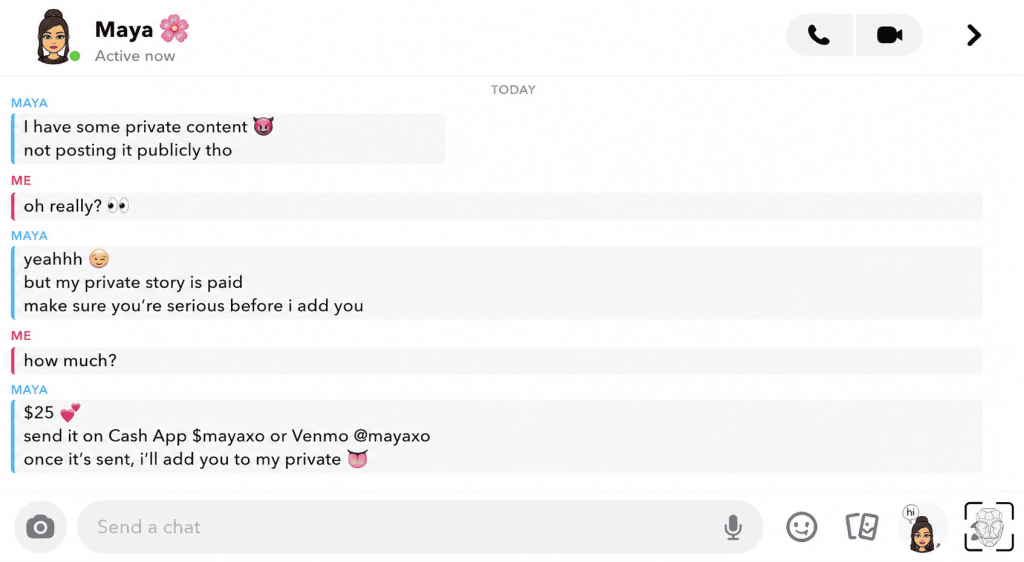
Some scammers use stolen material to charge upfront through Cash App, Venmo, or Zelle for access to adult content, sexting, or custom fetish content.
This way, they either block you after getting paid or milk viewers for money.
👻 Explicit content and private paywalls are strictly prohibited on Snapchat, so block and report anyone who tries to “sell” you anything.
6. Fake Snapchat Support Demands Verification
Some catfishes impersonate Snapchat Support and send fake verification links designed to steal your login details, claiming that your account has been reported or violated the rules.
They then lie that your Snapchat account will be banned or deleted if it’s not verified within a short period.
Important: Look for an official @snapchat.com domain. Don’t panic or share any sensitive data. Snapchat Support doesn’t text users within the app.
7. Strangers Showing Up with Mutual Friends
Snapchat bots usually mass-add everyone they see in Quick Add just to create mutual connections and appear more trustworthy.
Don’t add back strangers on Snapchat. Instead, turn off Quick Add in your settings (Settings → See Me in Find Friends) so random automated profiles can’t algorithmically find you.
What Features Does Snapchat Use Against Catfishing, Scams, & Fraud?
Snapchat’s built-in features make it harder for impersonators to reach or trick you with suspicious links:
➡️ Automatic Link Warnings alert users about suspicious or dangerous links.
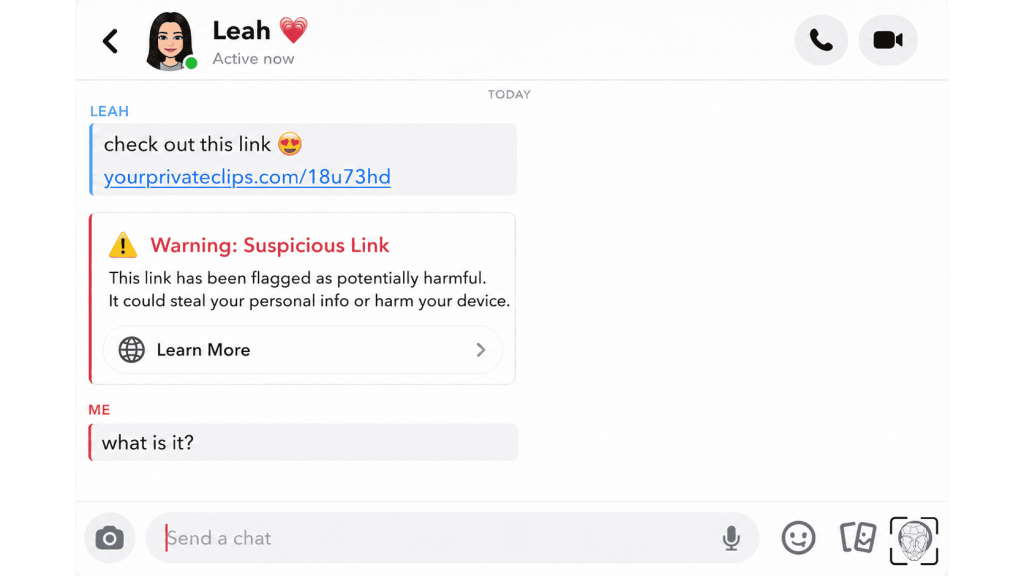
➡️ Strict “Contact Me” controls keep strangers out of the inbox by limiting who’s allowed to send users direct Snaps, Chats, and calls.
➡️ Family Center “Trust Signals” inform parents about their kids’ Snapchat friends, group chats, and recent conversations.
➡️ Arrival Notifications send automatic arrival pings to trusted friends when meeting up with someone.
Open Snapchat, tap your Bitmoji in the top left, then tap the Gear⚙️ icon in the top right to toggle on safety features:
- Turn on 2FA: Go to Settings → Two-Factor Authentication and use an authenticator app such as Google Authenticator or Duo.
*This adds another layer of protection if someone gets hold of your password.
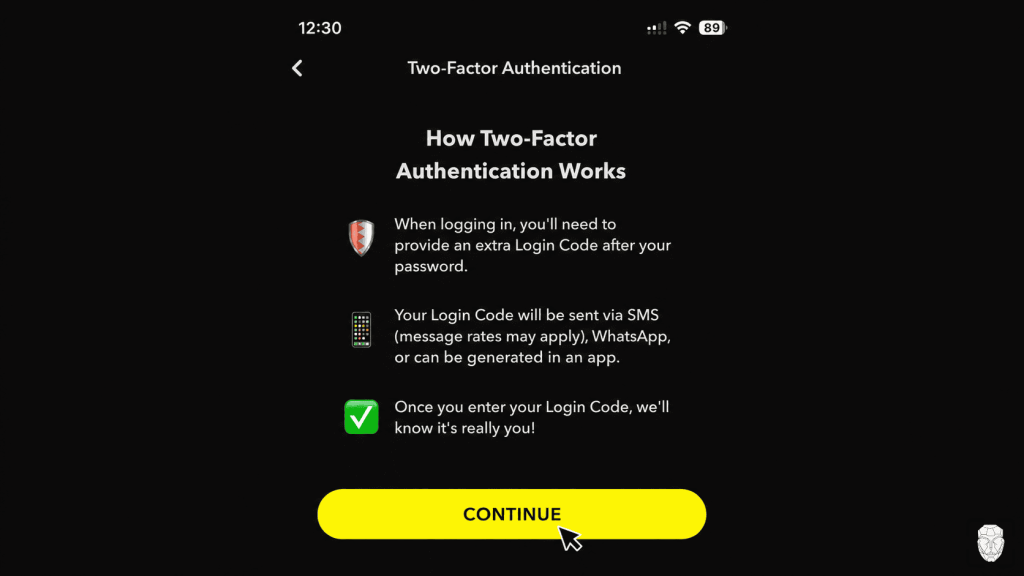
- Remove unknown devices: Go to Settings → Two-Factor Authentication → Forget Devices and remove anything you don’t recognize.
*If a device isn’t yours, it shouldn’t have access to your account.
- Use Ghost Mode: Go to Settings → See My Location and turn on Ghost Mode if you don’t want others to see you on Snap Map.
*If you do share it, limit it to people you actually know and trust.
- Check for the Gold Snap Star badge to see if the Snapchat Team has verified an account’s identity.
*Public profiles can make fake accounts look surprisingly real.
- Turn off story replies because public stories help catfishes get in contact with more victims.
⚠️ Filters & AI Replies make it ridiculously easy to change how you look, and Snapchat’s built-in AI can help scammers sound very convincing.
Wondering where catfish find all those fake Snaps? Check out Snap Catfish Pics and similar collections on Pinterest.
 EN
EN  DE
DE  ES
ES  PT
PT  RU
RU  JA
JA  ZH
ZH
Leave a Reply