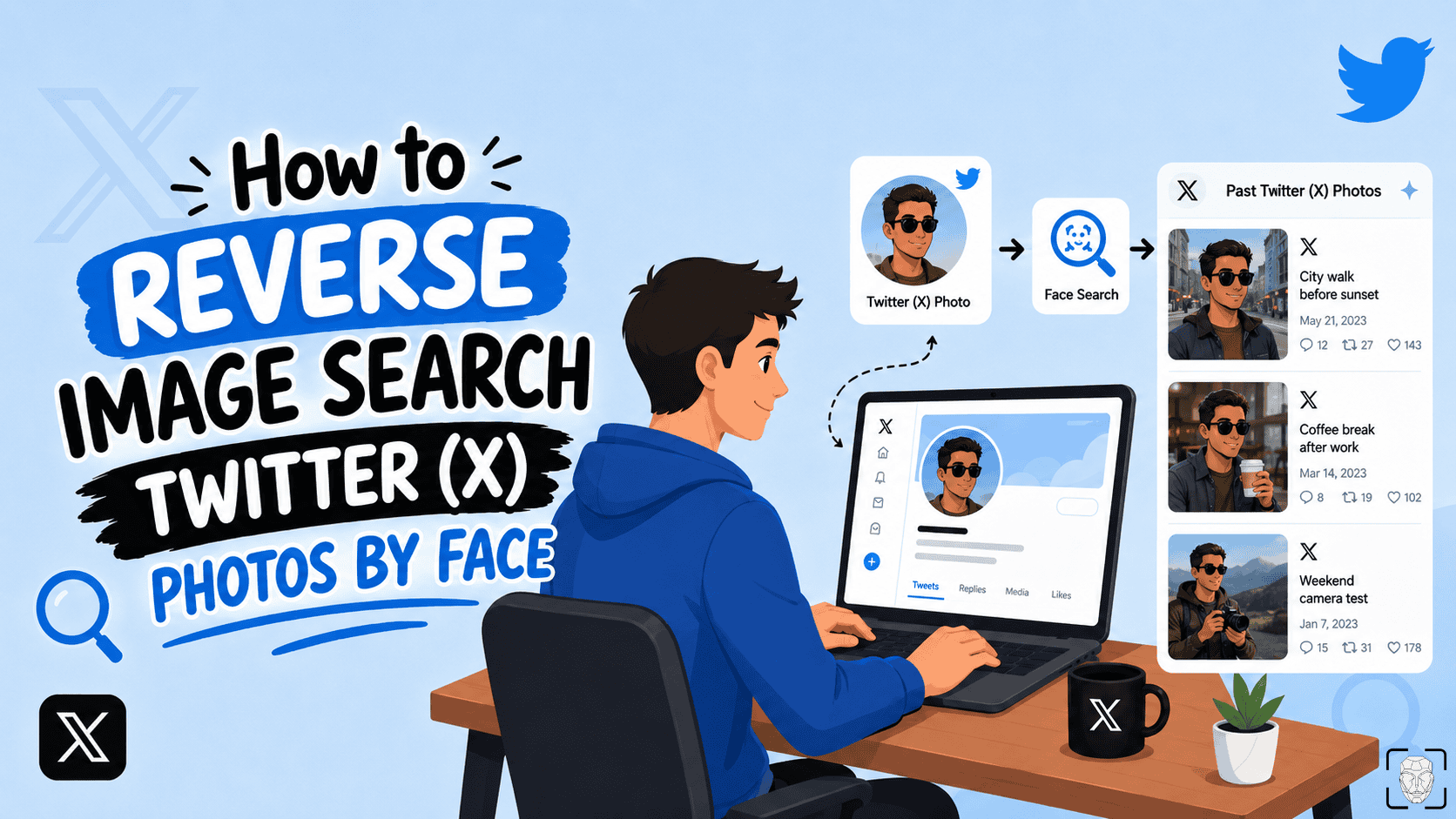
Twitter (X) is full of profiles, giveaway accounts, fan pages, and recruiters with fake identities.
You can search posts, filter by Photos, or check someone’s Media tab, but you cannot reverse search a photo.
I tried some tools, tips, and tricks and found the most practical methods to look up Twitter (X) images/accounts and find additional info in 2026.
That “hot mutual” might be catfishing you. ProFaceFinder helps you reverse search faces from Twitter and shows if they show up on dating sites, shady profiles, or anywhere else online. Upload one image, if it’s stolen, you’ll know fast.
Stay curious, not clueless.
1. ProFaceFinder Reverse Image Search Engine
ProFaceFinder is a powerful facial recognition engine built specifically for tracking scams, catfishing, and misused images.
ProFaceFinder is incredibly effective for reverse image searching because it looks for photo matches on dating sites, social media, blogs, news, and even criminal records.
Thanks to its built-in social media image search tool, ProFaceFinder can find or identify Twitter (X) pictures, even if they’re low-quality or difficult to locate.
Upload a reasonably clear, front-facing photo whose features ProFaceFinder can scan, and you’ll see exactly where the photo/face appears online.
Best of all, you don’t have to sign up for a pricey subscription because the platform relies on simple, pay-per-search packages:
- $7.95 for 2 searches
- $11.95 for 7 searches
That “hot mutual” might be catfishing you. ProFaceFinder helps you reverse search faces from Twitter and shows if they show up on dating sites, shady profiles, or anywhere else online. Upload one image, if it’s stolen, you’ll know fast.
Stay curious, not clueless.
2. The Lessie.ai People-Search Tool

Lessie.ai is an AI people-search tool that helps find public profiles across different sources, even if they’re catfishing.
It can help you review public Twitter/X profiles, bios, followers, links, and visible activity without manually digging through everything yourself.
It’s useful for profile discovery and account context, but it doesn’t really work for finding original tweets.
You can use it for free or get one of the plans:
- $40 • $160 • $300 monthly
- $408 • $1620 • $3048 annually
3. The ESPY Face-Search Tool
ESPY is an OSINT-style face and image search workflow that can reverse search faces and track down reused photos on Twitter/X.
It can compare a face against public web sources and return possible profile links, sources, and confidence-style results.
Access depends entirely on the chosen plan:
- Monthly for $111.78 and $513.21
- Pay-per-search for $570.22

4. SocialFinder.ai (for Finding Social Media Profiles)
SocialFinder.ai is a face-search tool that also traces digital footprints connected to a Twitter/X account. It’s perfect for busting romance scams.
It uncovers hidden profiles, burner accounts, and matches identities across the web with a single Twitter/X face photo or username.
SocialFinder.ai prices are budget-friendly and convenient:
- 1 lookup costs $5
- 3 lookups cost $12

5. Twitter Viewer – Browse Twitter/X Anonymously
Twitter Viewer is a third-party platform designed for anonymous, login-free browsing of public X (Twitter) profiles, tweets, and media.
It allows users to download and research public content and gather context using handles, hashtags, keywords, or direct links.
Twitter Viewer’s basic version is free with ads. An ad-free experience costs $3.88 a month if you’re easily overstimulated.
6. The TweetStorm.ai Post Finder
TweetStorm.ai is an advanced X (Twitter) post-filtering tool designed to locate specific media.
You can resurface text-embedded images and videos by putting in a keyword, handle, timeframe, and engagement level.
TweetStorm.ai uses a clean interface and offers a limited free tier alongside two monthly plans:
- $12
- $29
7. The Google, Bing & Yandex Search Engines
If you’re looking to find public Twitter/X images, accounts, or additional context on photos for free, then use Google, Bing, Yandex, or all three combined!
Each tool indexes different websites, so one may find matches that another misses.

Upload a photo to Google Images to track down background details, objects, and social accounts.
Tip: Search the face by itself first, then run a full-frame search if you need to analyze the background of the image instead!

Bing also has a reverse photo feature similar to Google’s, so all you need to do is upload a photo. It’s great at digging up older or less prominent web pages that Google might skip.
Yandex is your best weapon for seeing if an X profile uses stolen photos because it maps facial features across global networks better than almost anyone else – you need to verify results manually, as Yandex often pulls up lookalikes.
Pro Tip: Combine the image with known keywords like their X handle, display name, or location to instantly narrow the results.
Tips and Tricks for Finding Twitter-Related Media
If no method has worked so far, don’t give up just yet. These additional methods can help you verify the account and discover new leads.
1. Review the Twitter account history.
If automated search tools find nothing, manually check the timeline and Media tab for real user behavior.
2. Search older posts.
If the current profile photo has changed, try searching from:username selfie or from:username “profile picture” to find earlier uploads.
3. Check the banner and replies.
You may find scam warnings, impersonation reports, or another image to search.
4. Search beyond X.
Look up the username, bio, or unique phrases on Google, Instagram, TikTok, and Reddit.
5. Check the photo’s metadata.
The file may contain useful details like the creation date or camera model. For example, If you’re on Windows, right-click an image, press Properties, and select Details.
6. Ask the community.
Someone may recognize the person or image.
2026 Twitter/X Limitations, Privacy & Safety
Tracking down a profile or photo on X means fighting a battle against the platform’s latest backend updates. Here’s what you should know:
Flagged adult content is hidden from open web indexers. If an image has a warning label, it won’t show up in standard search results.
Next, private accounts block search engines entirely. If you aren’t an approved follower, tools like Google and Bing won’t work.
Manual digging is a lot trickier because free, unverified research profiles face a strict daily cap of just 50 original posts and 200 replies.
And to make matters worse, X’s heavy compression destroys image data. Once a photo is cropped or filtered, basic reverse image search tools usually fail.
Stay Safe on Twitter/X: If the threat of photo theft makes you uneasy, secure your images:
➡️ Go Private: Block search engines from indexing your photos by checking Settings > Privacy and safety > Audience and tagging > Protect your posts.
➡️ Stop Random Tagging: Kill public photo tagging in your settings to prevent scammers from linking your face to fake accounts.
➡️ Save Before Reporting: If you find a fake account using your photos, log the profile link, screenshots, and DMs immediately. You want a complete evidence file ready before the scammer deactivates or blocks you.
Add a quick ProFaceFinder scan every now and then, and you’re as safe as possible!


Leave a Reply