
Bing’s Visual Search feature is quick & convenient for reverse image searches – need to find that cute dress that’s sold out everywhere? Bing has your back.
But that’s all it’s good for. What happens if you need to identify a face? Chances are Bing won’t be able to; however, these 8 alternatives can:
| Tool | Face Search | Price | Best Use |
| Bing | ❌ | Free | Products & objects |
| ProFaceFinder | ✅ | $8–$12 | Accurate face ID |
| Google Lens | ⚠️ | Free | Public figures |
| Yandex | ⚠️ | Free | High-volume results |
| TinEye | ⚠️ | Free | Exact duplicates |
| Photo Sherlock | ⚠️ | Free / $1 | Mobile searches |
1. ProFaceFinder: Best for Accurate & Cheap Face Searching
Upload a photo and let ProFaceFinder do the digging. It finds matches even when Google Lens doesn’t—across Social Media, dating apps, and more.
ProFaceFinder is a face-search tool that verifies people’s identities by photo, something Bing hardly does because it’s not designed for facial recognition.
The ProFaceFinder AI scans billions of online records to locate images’ sources, which often include social media, dating apps, and other public sites.
Features: On top of faces, this tool also finds locations and brands visible in photos, making it perfect for multipurpose use.
🤖 ProFaceFinder has AI Detection, which Bing doesn’t – it tells you if the face you’re reverse-searching is AI-generated. No 6 fingers or lizard eyes needed.
Sort your results by visual score to see the most similar ones first. ProFaceFinder is scary accurate, even if the faces/photos have been edited.
– How Much Does ProFaceFinder Cost?
It is among the most affordable reverse image search services, because you pay for lookup credits ($8-$12) instead of monthly subscriptions.
2. Google Lens: Popular Free Reverse Image Method
The closest alternative you could get to Bing is another popular search engine, like Google.
– Google Lens Reverse Image Search:
Google’s image-lookup function is free and accessible through the camera icon on the search bar. I tested it, and these were the results. 👇
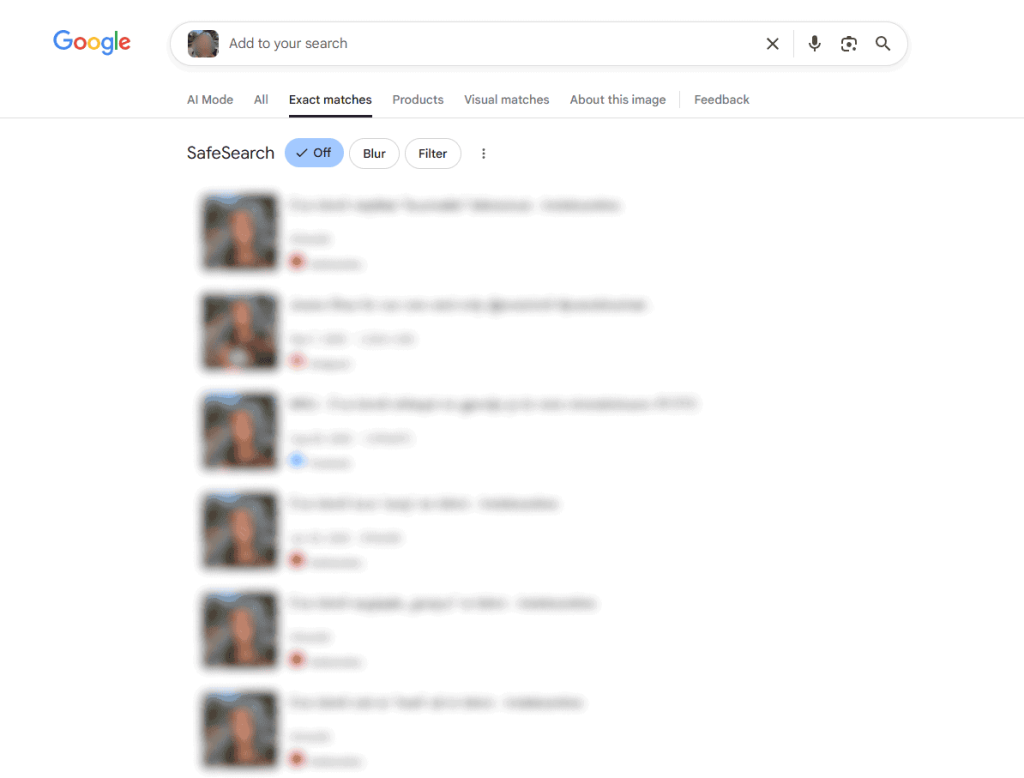
Google found the face’s identity, original source, and visually similar images. It showed multiple social media links and news sites using the photo.
It found more results than Bing, but only for public figures and images – don’t count on Google to find info on random people.
Google Lens’ filters were very helpful for browsing results based on exact matches, products, visual matches, “about” info, or all.
3. Yandex: Plenty of Image Search Results for Free
Much like Bing, Yandex is also an online engine with a reverse image lookup function that’s 100% free!
Yandex prioritizes quantity. It typically finds more links and details than Bing and Google. During my test, Yandex mixed a lot of random people’s faces, so I had to scroll through hundreds of results to find the right one.
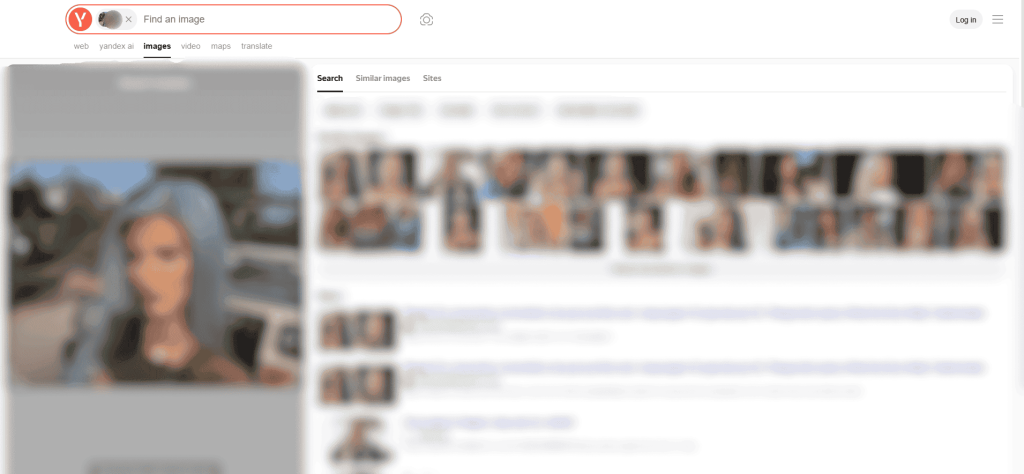
The results showed websites (e.g., Pinterest), blogs, social media, and other online sources where the photo appears, which had the person’s name.
Yandex Image Search Tip: Use the Search, Similar Images, and Sites categories to organise your results if you feel overwhelmed.
🔄Honorable Mention: Baidu Reverse Photo Search
Baidu, the Chinese search engine, can run photo lookups. The results aren’t as impressive as Google’s or Yandex’s, but it’s fast and decent at photo analysis!
4. TinEye: Free & Better Face Recognition
TinEye identifies objects and faces in images to find duplicates on the web. It’s free and compatible with both mobile and PC, with better integration:
- A browser extension
- Images’ copyright status
- Sort results
- Real-time photo tracking, etc.
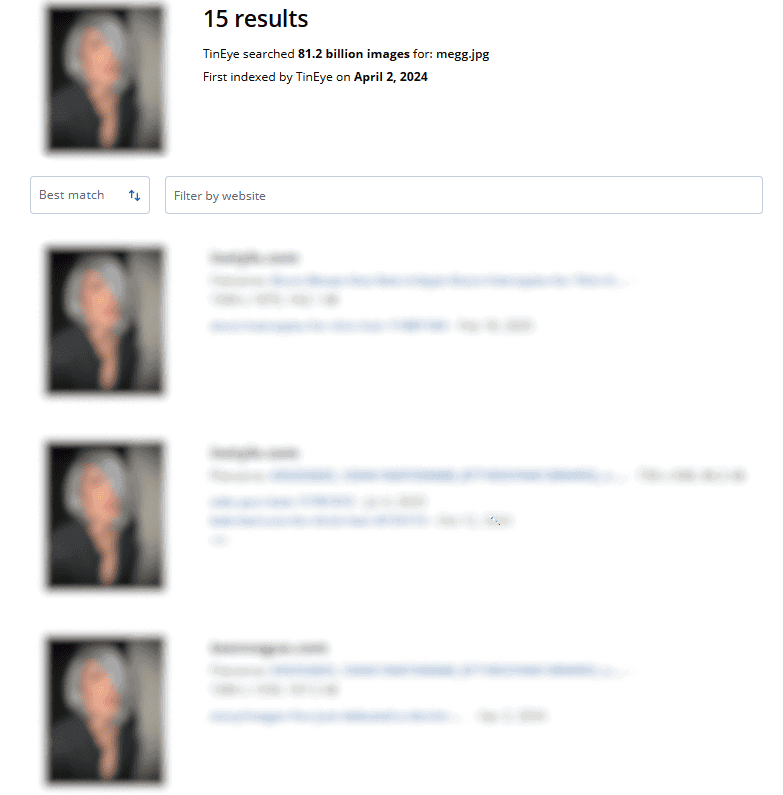
In my case, TinEye’s photo-search report was surprisingly concise – I got around 15 results (all accurate, by the way), with few to no lookalikes.
📝 Note: Like Bing, TinEye mostly finds info on pictures of known figures: celebrities, politicians, influencers, or anyone with an online presence.
5. DupliChecker: Best for Image Duplicates
DupliChecker’s main goal is to find original sources and all possible versions (dimensions) of a photo. It has facial-recognition technology, unlike Bing.
It locates duplicates and photos being used without your permission. You’re supposed to get a long list of links containing your image, as well as metadata.
- For people, click on the “Search Similar Faces” button. For general reverse image lookup, press the “Search Similar Images” option.
– Does DupliChecker Work on iOS, Android, and PC? Yes. ✅
For the photo I tested, DupliChecker mainly returned visually similar alternatives and their links.
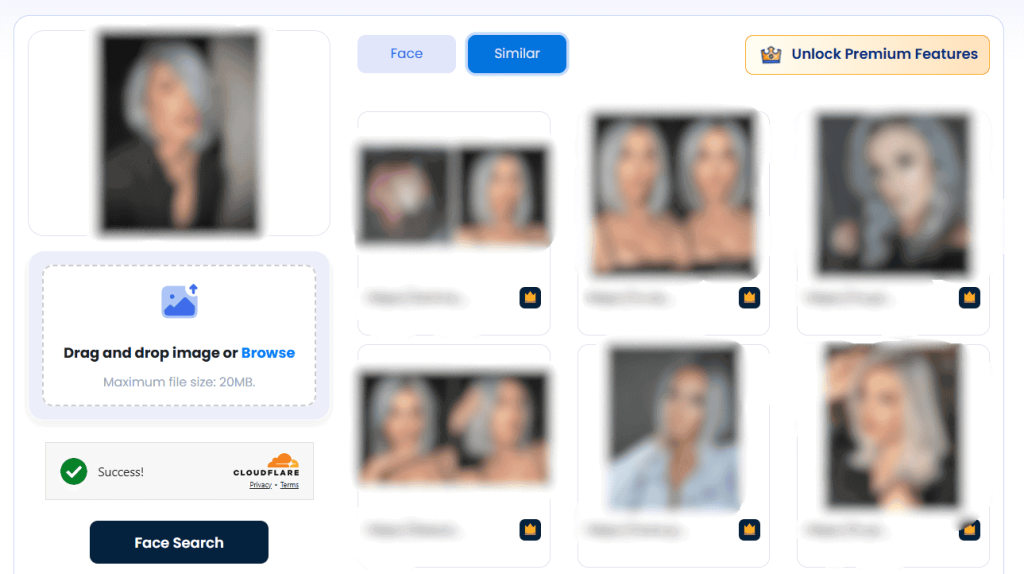
DupliChecker is a paid tool, and to unlock the full features (links and face search), you need to pay around $12 a month.
6. PimEyes: Face-Search Tool for Protection
PimEyes is a pay-to-use face search tool that offers 10 free daily searches. It’s compatible on mobile and desktop.
This tool is accurate, so it’s a top pick for identifying random or well-known faces even if they look different – different hairstyles, facial hair, or edits!
You may add multiple photos to make PimEyes’ job easier. It works best with facial ID-ing, but may occasionally help find items as well.
⚠️ Unless you pay on PimEyes, you won’t be able to view the full results and links. I chose the one-time access plan, which set me back $14.99.

*PimEyes correctly identified the person in the image I looked up
PimEyes Prices: Open Plus ($29.99/mo, 75 daily searches), PROtect ($34.99 for 100 daily searches), and Advanced ($299.99 and unlimited searches).
As opposed to Bing, PimEyes scans criminal mugshots and sex offender registries. If the person you’re looking up has criminal records, you’ll know.
7. Lenso.ai: Free & Paid Reverse Image Lookups
Like Bing, Lenso.ai works for looking up faces and objects; however, it has a more refined face-recognition tool.
Its goal is to find original image links, or at the very least, related sources. Additionally, Lenso.ai has more features than Bing’s Visual Search:
- Alerts & API
- Result Categories (People, Duplicates, Places, etc.)
- Collections: Group the results and revisit them at any time
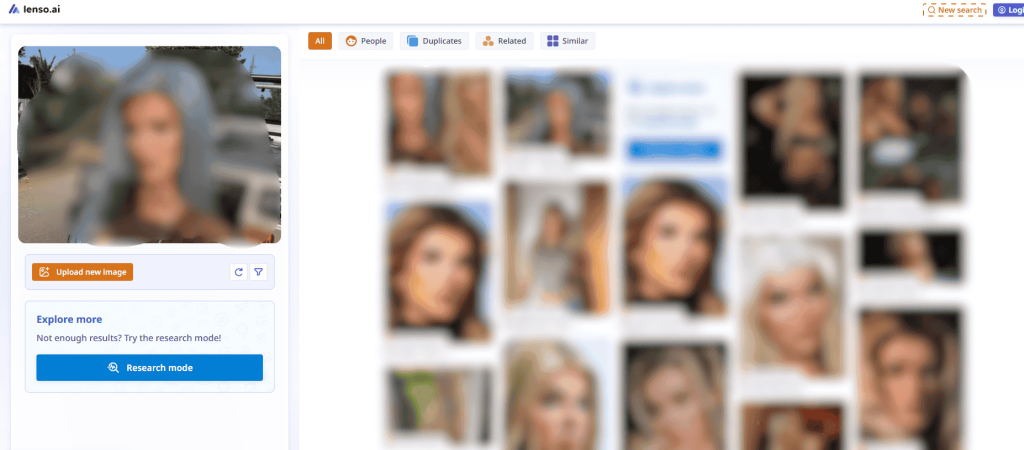
As you can see, Lenso.ai managed to verify the face and find different photos of it, even with slight changes in appearance (hair, make-up, and angles).
For free, the most you can do is confirm if they’re a catfish. To unlock sources, you must pay $20/mo or $70/mo for 50-500 lookup credits, respectively.
8. Photo Sherlock – Reverse Photo Search App (iOS and Android)
Photo Sherlock is a reverse-image search app for iOS and Android. If you want to look up a photo on your phone, this is the way to go!
The app is free, but with ads (the $1 weekly subscription takes care of them). Choose from your gallery or take a picture to check its digital footprint:
- Where does the photo show up online?
- Who is the photo’s original owner?
- Are there any other versions of the same image?
Photo Sherlock analyses faces and items seen in images. My test proved effective; I mainly got socials and news outlets, but the identity was verified.
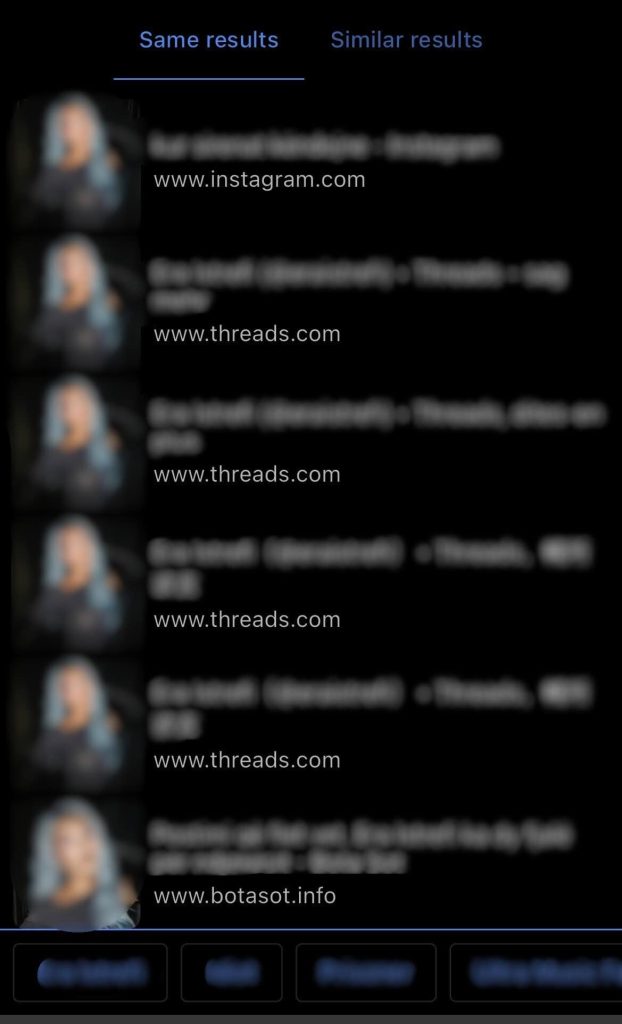
Do you see the little blurred rectangles at the bottom? Those are related search terms that redirect you to search engines for extra info on the image.
‼️ Important: If you want to find variants of the same photo, go to the “Same Results” tab. For related content, choose “Similar Results”.
When to Move on From Bing Reverse Image Search?
Transfer your reverse-image investigation from Bing (and search engines in general) to specialised tools when you’re dealing with serious matters.
I’m talking about confirming that your online date is a safe individual, tracking down stolen photos, and identifying people who are threatening you.
You see, Bing’s photo-searching is mostly good for somewhat famous faces, so it will likely fail in identifying a random Joe.
🔎 For people searching, tools with powerful face technology, like ProFaceFinder and PimEyes, track original photos even if they’ve been altered.
– When Is Bing Visual Search OK to Use?
Hey, I’m not here to impose anything on anyone, but I kindly suggest that you keep Bing for light photo lookups:
- Shopping for clothes, furniture, and others
- Pinpointing locations & brands
- Finding celebrities’ names, movies, or TV shows
Ask yourself: “Am I in potential danger?”. If so, choose one of the 8 alternatives from this list!
 EN
EN  DE
DE  ES
ES  PT
PT  RU
RU  JA
JA  ZH
ZH
Leave a Reply