
Nothing wakes you up faster than the sudden memory of a cringy photo you posted years ago and never deleted. One minute you’re trying to sleep, the next you’re rushing to find and remove it from the face of the Earth.
If you’re trying to hunt down old pictures of yourself online (to laugh at them, feel nostalgic, or erase the evidence), the methods below will get you there fast.
If your face is out there, ProFaceFinder will find it even on dating sites or random profiles you’ve never seen. Upload one photo, and get the full picture. If someone’s pretending to be you, you’ll know before things get messy.
1. Start With Basic Search Engines

The easiest way to begin is by searching on regular day-to-day engines like Google or Bing. They’re free, practical, and can help you find pages where your name or photos might appear.
What to do:
- Search your full name: → John M. Carter.
- Try old nicknames, maiden names, different spellings, or add context to narrow results: “John Carter graduation” or “John Carter 2013”.
Switch to the Images tab to see if any familiar photos show up.
You can also try alternative engines (DuckDuckGo, Yandex, etc.) and check their results since each tool indexes the web differently.
While this won’t reveal everything (especially if a photo isn’t tagged with your name), it’s the simplest first step.
2. Use Reverse Image Search Tools, Like ProFaceFinder
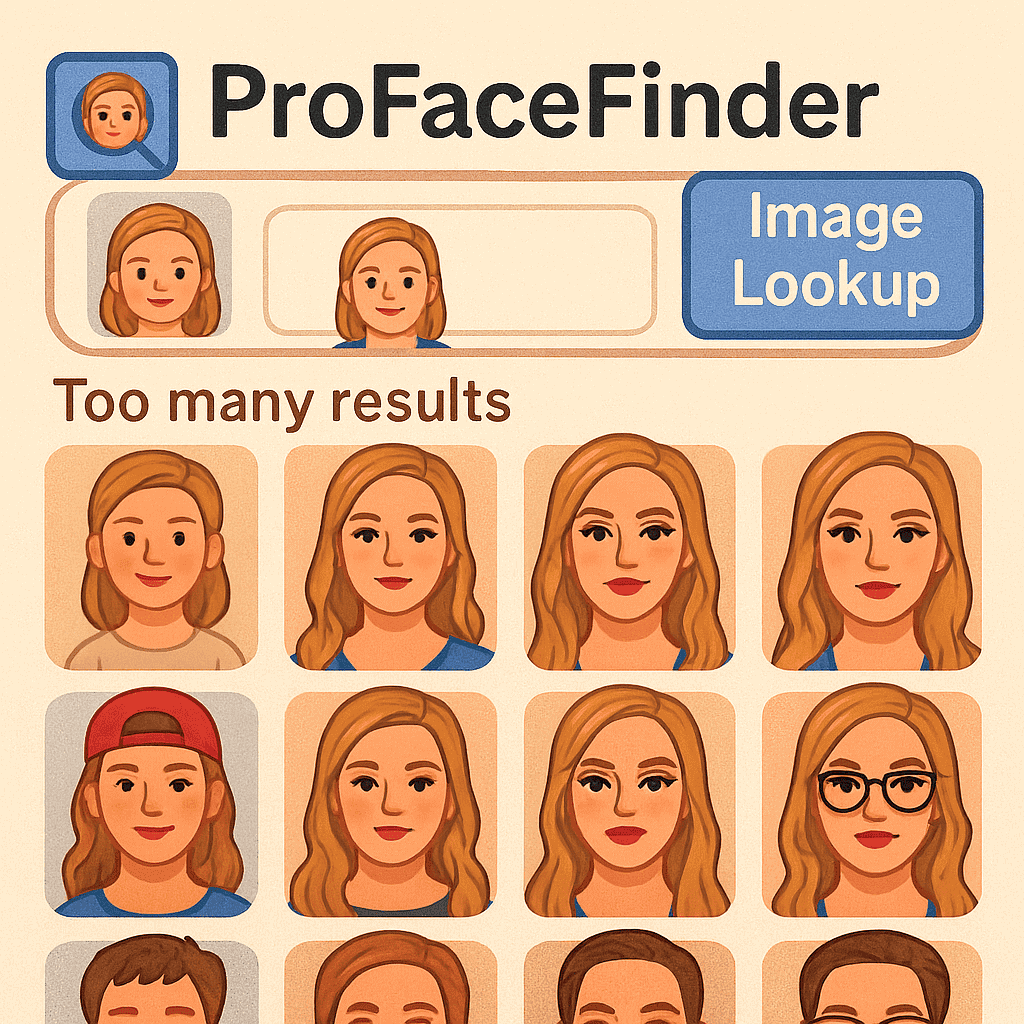
If you’re really determined to find old pictures of yourself online, including different photos of you across different sites, face-recognition tools are the fastest and most effective solution.
One of the most accurate, user-friendly tools is ProFaceFinder. It matches your facial features, not just the image itself, so you’ll get the most out of a search.
You don’t have to waste time searching manually; just upload a picture, and it’ll provide a list of websites where photos of you or their versions appear.
It’s especially useful for:
- Finding pictures of yourself you didn’t know existed.
- Spotting old photos on forgotten platforms.
- Checking if someone is using your face on fake profiles.
- Tracking where your images resurfaced after many years.
ProFaceFinder recognizes your face even if the photo is cropped, color-filtered, low quality, zoomed, or taken at a weird angle.
3. Check Your Social Media Profiles
Many of your pictures live on platforms you’ve used over the years. Revisiting those accounts often uncovers long-forgotten photos.
Check old or new socials on SocialPlatforms: your tagged photos, old albums, friends’ albums, communities you are/were part of, and posts that mention you.
Although not what immediately comes to mind, Twitter/X, too: your media tab, plus searches for your old handle.
Other platforms: Pinterest, LinkedIn, Flickr, Tumblr, archived blogs, and forum profiles. Honestly, whatever platform you remember posting on.
If you had accounts that are now inactive, log back in and scan old uploads, even for temporarily deactivated accounts.
4. Revisit Old Emails, Backups, and Hardware
Sometimes the photos you’re looking for aren’t on the web, and that’s because they’re inside accounts or devices you forgot existed.
Here are some places you can check:
- Old email addresses (Gmail, Yahoo, Hotmail) for attachments or cloud backups.
- Google Photos, iCloud, Dropbox, OneDrive.
- Old phones, SD cards, USB sticks, or external drives.
- Old blogs or accounts under past usernames.
Searching old accounts sometimes reveals photos that were once online, even if the website no longer exists.
How to Get Better Results When Searching for Pictures?
To increase your odds of finding everything:
- Use multiple search methods, not just one.
- Try different variations of your name (even nicknames or possible typos).
- Upload clear, well-lit photos for reverse or face search.
- Try more than one photo of yourself – smiling, neutral, different angles.
These small steps make a big difference when trying to find pictures of yourself on the internet across different platforms and years.
– If you want to know where a specific photo of yours appears online and you still have that photo, reverse image search it with ProFaceFinder to locate the sources, such as profiles and platforms.
– If you are casting the net wide for whatever photos of yours, check your socials or even your friends’ (recent or old), or use a random photo of yourself on search engines or facial recognition tools.
What to Do If Your Image Is Used Without Permission?
As you find old photos, keep privacy in mind and don’t hesitate to act:
If a photo appears somewhere you don’t want it, contact the site owner and request removal. Lock down public albums on your active accounts and use reputable face-search tools that delete uploads shortly after processing.
And don’t forget to report impersonation or fake profiles immediately. Remember, this is about protecting your online identity.
Whether you’re cleaning up your digital footprint, monitoring your online identity, or just taking a trip down memory lane, these methods have you covered.
They give you a practical way to find your pictures online and stay in control of your presence. Safe travels on your journey!
 EN
EN  DE
DE  ES
ES  PT
PT  RU
RU  JA
JA  ZH
ZH
Leave a Reply