
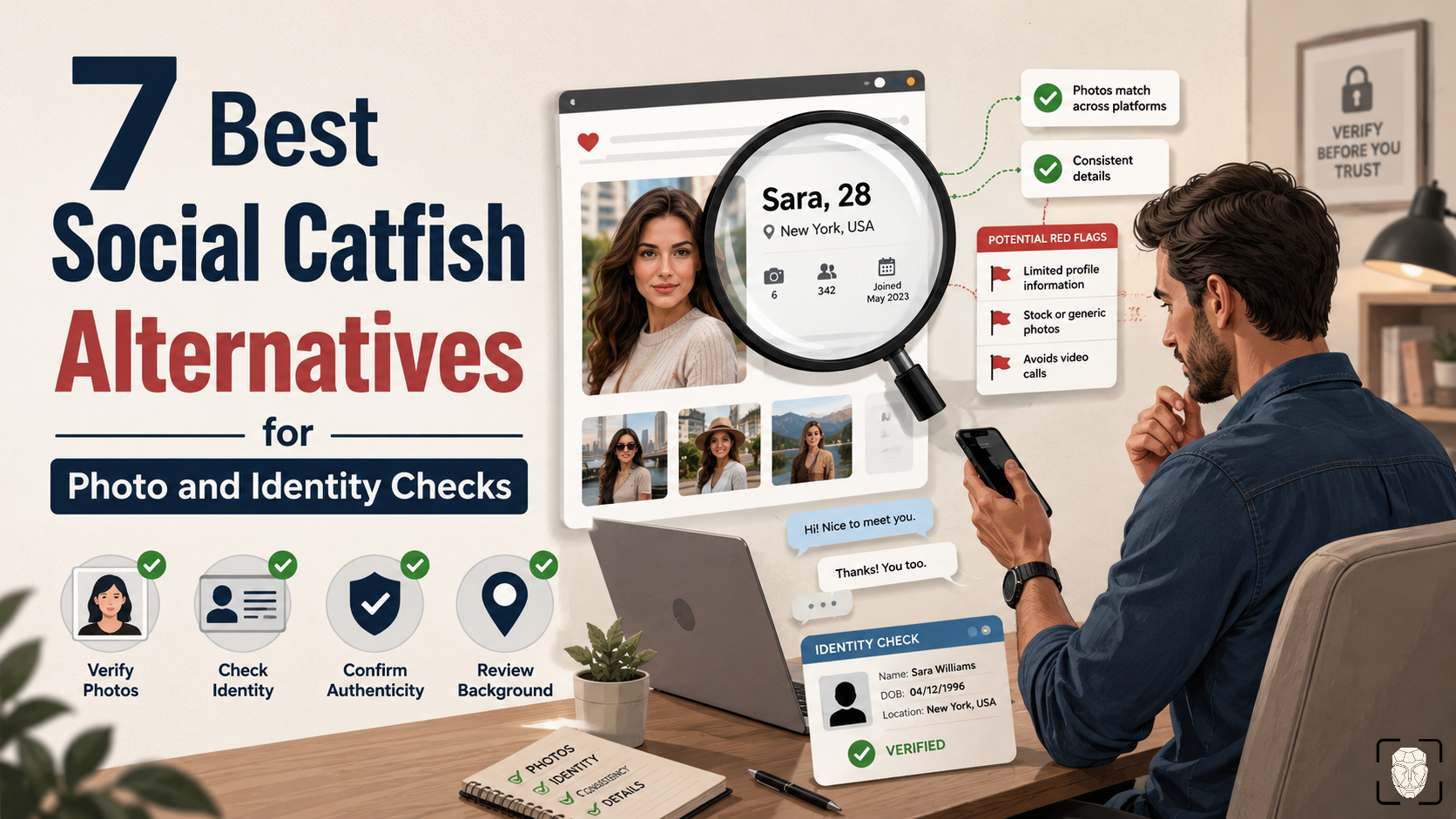
You know that moment when a profile looks fine…but something just feels odd? Well, it just happened to me, so I reverse image searched their photos.
After struggling to confirm an online profile’s identity with Social Catfish, I went down a rabbit hole of testing tools that are faster, cheaper, and better for face lookups. Here are the alternatives I’d rely on in 2026.
| Tool | Best for | Catch |
| ProFaceFinder | Quick face checks | Photo-focused |
| PimEyes | Strong face matches | Pricey |
| CatfishLens | Reused/edited photos | Not full ID reports |
| FaceCheck.ID | Scam profiles/mugshots | Crypto-only |
| Spokeo | Name/phone/email checks | No face search |
| TruthFinder | Deep identity reports | Slow, upsells |
1. ProFaceFinder: Best First Step for Reverse Face Searching
Upload a photo and let ProFaceFinder do the digging. It finds matches even when PimEyes doesn’t, across Social Media, dating apps, and more.
ProFaceFinder is a face search engine that helps verify photos by finding matching images, profiles, and potential scam connections across the web.
ProFaceFinder ended up being my #1 Social Catfish alternative because it helped me stay protected online more than once.
I spend plenty of time talking to strangers online (thanks to my work and love life), and ProFaceFinder always helps me uncover photos that have been reused, edited, or connected to questionable accounts.
Beyond face matching, the ProFaceFinder tool also includes catfish detection, social profile tracking, scam checks, AI image detection, and API support.
A few quick searches return relevant matches almost immediately. On top of the plentiful results, pricing is another big advantage:
- $7.95 – 2 searches
- $11.95 – 7 searches
For quick checks, the pay-per-search plans ProFaceFinder offers are simply more practical than Social Catfish, which requires pricey monthly commitments.
2. PimEyes: Best for Powerful Results (but Pricey)
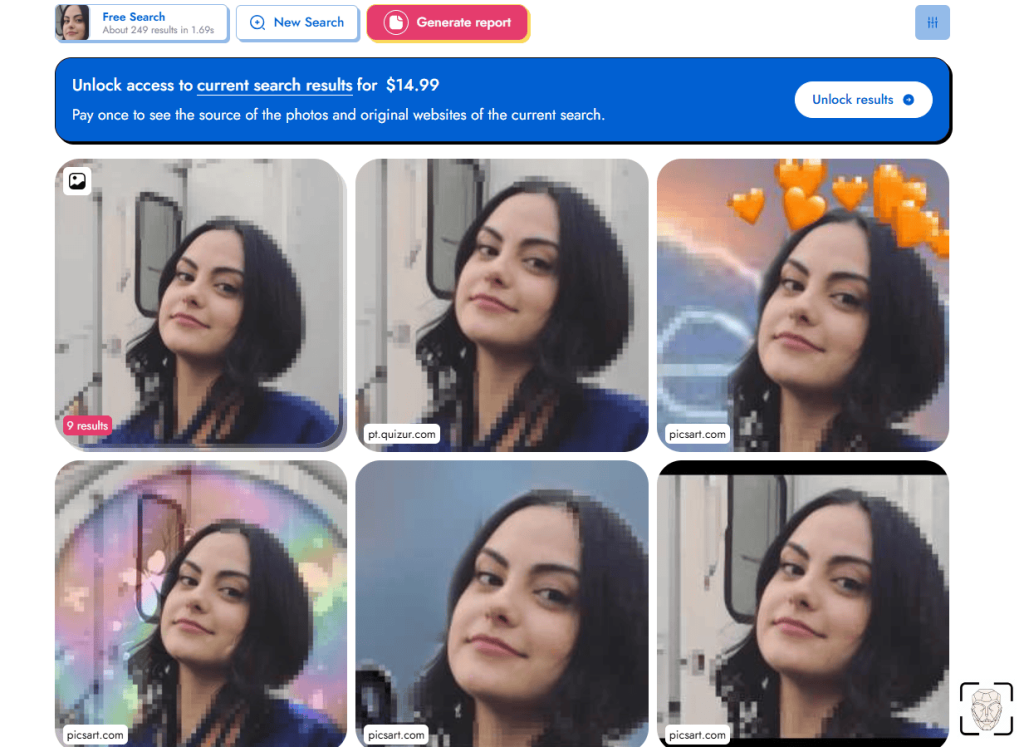
PimEyes is a facial recognition tool that finds where a person’s face appears online by matching facial features across indexed images.
It’s probably the most recognizable tool on this list, and unlike general reverse image search engines, PimEyes is laser-focused on facial matching.
However, photo quality matters a lot because blurry or low-quality images usually don’t produce good results.
PimEyes provides excellent results for clean, front-facing photos – I regularly get hundreds of exact matches within seconds. Pretty impressive for a tool that doesn’t scan dating or social media profiles at all.
The accuracy was hard to ignore – but so was the pricing. PimEyes offers a limited free preview, plus one-time and subscription options:
- $15 – Single search
- $30/mo – 75 lookups daily
- $35/mo – 100 lookups daily
- $300/mo – unlimited lookups
(Pricing often switches from USD to EUR; double-check before you commit.)
Would I use it again? Definitely, especially if a face is my only lead. Just know that, like Social Catfish, PimEyes can get expensive if you only need a few searches.
3. CatfishLens – Best at Spotting Reused Photos
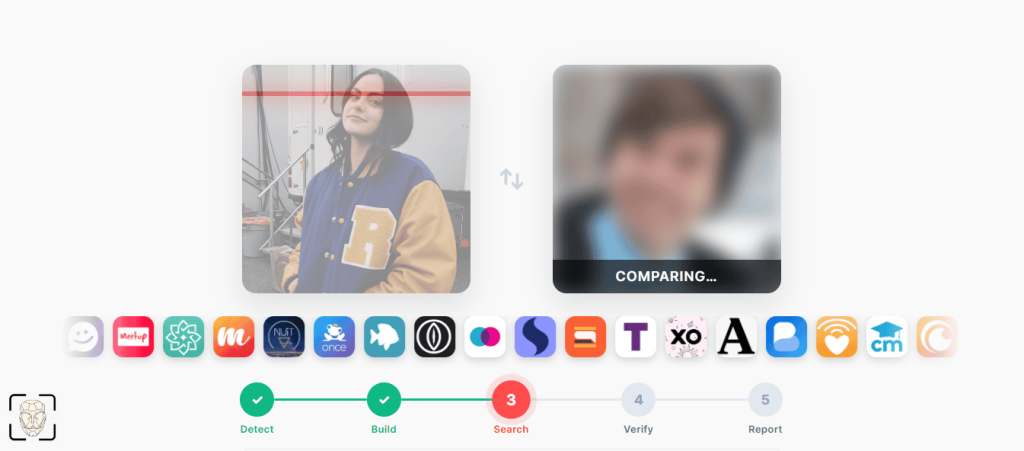
CatfishLens is a reverse image lookup tool built to uncover reused or edited photos across different identities online. It goes beyond exact image matches.
Even if an image has been cropped, filtered, or altered, CatfishLens can still pick up visual similarities and connect matches while giving extra context.
This reverse image search engine shows you a photo’s sources and popularity, linked identities, and inconsistencies, whereas Social Catfish focuses mainly on ID.
CatfishLens’s extensive reports pinpoint common catfish signs like made-up names, repeated profile photos, or weak digital footprints.
Pricing starts at:
- $6.95 – 2 searches
- $9.95 – 5 searches
Need more? Choose the number of credits! Credits cost $2.99 each, with larger bundles going up to $149.50. The one-time lookup credits never expire.
CatfishLens is my go-to for checking whether someone is running multiple profiles or lying about their identity online.
4. FaceCheck.ID: Best Scam Profile and Mugshot Finder
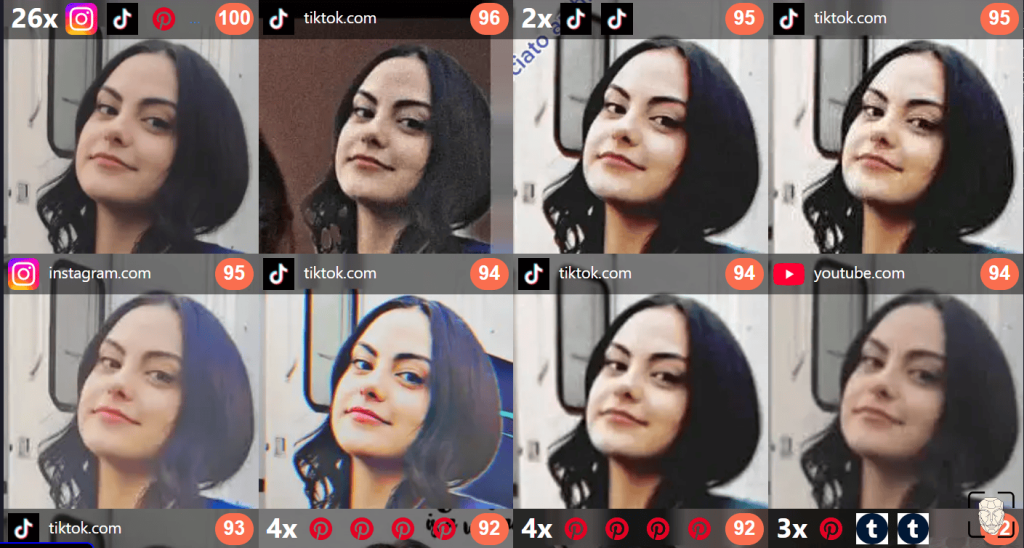
FaceCheck.ID is a face search tool that goes beyond simple image matching – it also uncovers a photo’s digital footprint. Reports include:
- Scam reports & mugshots
- Social media profiles
- News mentions & blogs
Compared to Social Catfish, FaceCheck.ID is more targeted and structured, providing unlimited free photo searches with basic previews.
The layout of the results is one of its best parts because the match scores and photo sources are neatly organized, making scanning quick and easy.
But subscribing is less convenient because FaceCheck.ID accepts crypto-only payments, which was a deal-breaker for me.
Although none of the packages are practical for occasional use, there’s still variety: pricing ranges from $19 (50 lookups) to $597 (3,333 searches), and credits expire depending on the plan.
FaceCheck.ID is powerful, but I’d only pay if the search was important enough to justify the awkward payment system.
5. Spokeo: Best for Verifying Identities Based on Info
Spokeo is a public record search tool that connects identity details using inputs like names, phone numbers, emails, or addresses.
It’s similar to Social Catfish in the sense that it compiles data such as past addresses, relatives, contact info, and social traces to help verify identities.
I use Spokeo as a background-check tool to look up a user’s name when I suspect they’re a catfish. Reverse image searching isn’t available at this point.
The results can sometimes be fragmented, so I wouldn’t rely on Spokeo alone, but it is a great identity linker that connects helpful leads.
Spokeo’s pricing is more accessible than that of Social Catfish:
- $14.95/mo for 3 months
- $19.95/mo for 1 month
Just be careful with Spokeo’s trial because once it renews, getting out of it can be annoying. However, the experience was faster and more practical than Social Catfish.
6. TruthFinder: Best at Detailed Identity Reports
TruthFinder is an identity report tool that compiles detailed background information using public records, such as photos, and online data.
After testing TruthFinder, I realized how detailed its reports are, but unlike Social Catfish, there’s no face recognition feature.
Reports include public records like addresses, relatives, contact history, and even monitoring-type info, so it’s used for deep lookups rather than quick, casual scans.
TruthFinder’s level of detail could be useful – but also overwhelming.
Searching with TruthFinder took longer than expected, with multiple steps and upsells before I was able to access anything.
The plans are more flexible than on Social Catfish, ranging from around $5 monthly up to about $118, based on duration and lookup type.
What’s Actually Better for Scam Checks: Social Catfish or Face Search Tools?
Face search tools are usually faster and more direct at identifying people because they use advanced facial analysis that locates faces on online platforms.
If your main concern is a profile photo (whether it’s reused, stolen, edited, or AI-generated), reverse image search tools get you answers quickly, for cheaper.
Tools like Social Catfish, Spokeo, and TruthFinder, on the other hand, take a broader approach because they aim to build full identity reports.
This can be useful for serious background checks, but slower and less precise if all you have is a profile photo to reverse search with.
In simple terms: Tools like ProFaceFinder, PimEyes, FaceCheck.ID, or CatfishLens are usually more efficient for scam and catfish detection if you have an image.
Tip: The more details about a person you have, the better. Use different tools’ features to identify the person at hand (e.g., ProFaceFinder for their selfie, and Spokeo for their email)!
Never be quick to trust a stranger online!
 EN
EN  DE
DE  ES
ES  PT
PT  RU
RU  JA
JA  ZH
ZH
Leave a Reply