

FaceCheck.ID is a reverse face-search engine that scans the web for photos of the same face. It helps users identify stolen images, verify someone online, or detect fake profiles.
ProFaceFinder gives you fast results, dating-focused matches, and easy card payments. Perfect if you’re here to spot fake profiles or verify someone quickly.
However, many users now look for alternatives because of:
- Crypto-only payments
- Limited free access
- Pricing friction
- Occasional inconsistent results
If you want a tool that’s easier to pay for or more practical for everyday use, several solid alternatives exist.
Below are six of the most useful FaceCheck.ID alternatives for reverse face search.
| Tool | Best For | Face Recognition | Pricing Model |
|---|---|---|---|
| ProFaceFinder | Catfish detection & identity verification | ✅ Yes | $7.95 (2 searches) / $11.95 (7 searches) |
| PimEyes | Deep facial recognition & investigative searches | ✅ Yes | From ~$15 unlock / $29.99+ monthly |
| Lenso.ai | Modern reverse image search & monitoring alerts | ✅ Yes | Free preview / ~$19.99+ monthly |
| FaceSeek | Affordable token-based face search | ✅ Yes | Free tokens / ~15 tokens ~$7–$8 |
| Google Lens | Free reverse image lookup across the web | ❌ No | Free |
| Yandex Images | Strong free visual search (lookalike detection) | ❌ No | Free |
| TinEye | Duplicate image detection & copyright tracking | ❌ No | Free / API for businesses |
| Search4Faces | Finding profiles on VK / Odnoklassniki datasets | ✅ Yes | Free / limited |
1. ProFaceFinder – Best for Detecting Catfish & Fake Profiles
ProFaceFinder gives you fast results, dating-focused matches, and easy card payments. Perfect if you’re here to spot fake profiles or verify someone quickly.
ProFaceFinder is an AI-powered reverse face search engine designed to help users verify identities online.
Upload a photo and the system analyzes facial features such as the eyes, nose, and face structure to find matching or visually similar faces across publicly indexed websites.
Search results typically include pages where the image appears, making it useful for detecting stolen profile photos, impersonation, or fake accounts.
Because of its focus on identity verification, ProFaceFinder is commonly used for:
- checking dating profiles
- detecting romance scams
- verifying someone before meeting them
- Locating people’s mugshots
ProFaceFinder uses a credit-based model instead of subscriptions.
👉 $7.95 for 2 searches
👉 $11.95 for 7 searches
This makes it convenient for occasional searches, compared to subscription-based face-search tools, for monitoring where your own photos appear online.
Like other reverse face search engines, ProFaceFinder scans public web data only. Photos that exist only on private platforms (such as private accounts or dating apps) may not appear in results.
2. PimEyes — Best for Deep Facial Recognition Search
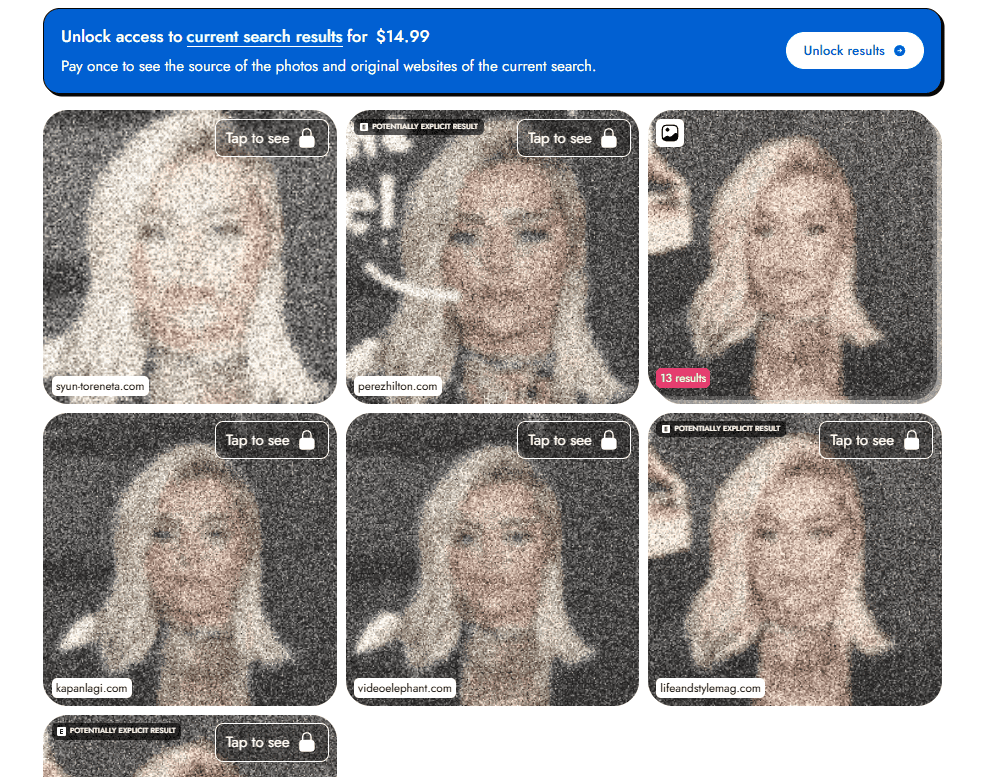
PimEyes is one of the most powerful reverse face search engines available. It uses advanced facial recognition technology to analyze facial structure and locate visually similar faces across the public web.
After uploading a photo, PimEyes scans a massive database of indexed images and displays results showing similar faces along with the websites where those images appear.
Because it focuses heavily on facial geometry rather than general image similarity, PimEyes can sometimes find matches even when photos are:
- cropped
- taken from different angles
- older or lower quality
This makes it particularly useful for:
- investigative searches
- finding where a person’s photos appear online
- tracking image misuse or impersonation
PimEyes operates on a subscription model rather than pay-per-search credits.
Typical plans include:
- One Time Results Unlock – $15.95
- Open Plus — $29.99/month
- PROtect — $34.99/month
- Advanced plans — up to ~$299/month for large-scale searches
The free version allows limited preview searches, but viewing full results and source links requires a paid plan.
PimEyes scans publicly available images only, meaning it cannot access photos inside private platforms such as dating apps, locked social media profiles, or messaging services.
3. Lenso.ai – Fast, Modern Face Search with Monitoring

Lenso.ai is an AI-powered reverse image search engine that helps locate where photos appear online.
Upload an image, and the system analyzes visual patterns to search across billions of indexed images on the public web.
The platform organizes results into categories such as:
- People (face recognition)
- Places
- Duplicates
- Similar images
The People category uses facial recognition to find other images of the same person online.
One unique feature is image monitoring alerts, which notify users when new matches appear for a face or photo.
This makes Lenso.ai useful for:
- verifying someone online
- detecting fake profiles
- monitoring stolen images
- tracking digital identity exposure
Pricing
- Free version with limited previews
- Paid plans start at about $19.99 per month
The main drawback is that full results require a subscription, and the database is generally smaller than some specialized face search engines.
4. Google Lens & Yandex Images – Best Free Reverse Image Search Tools
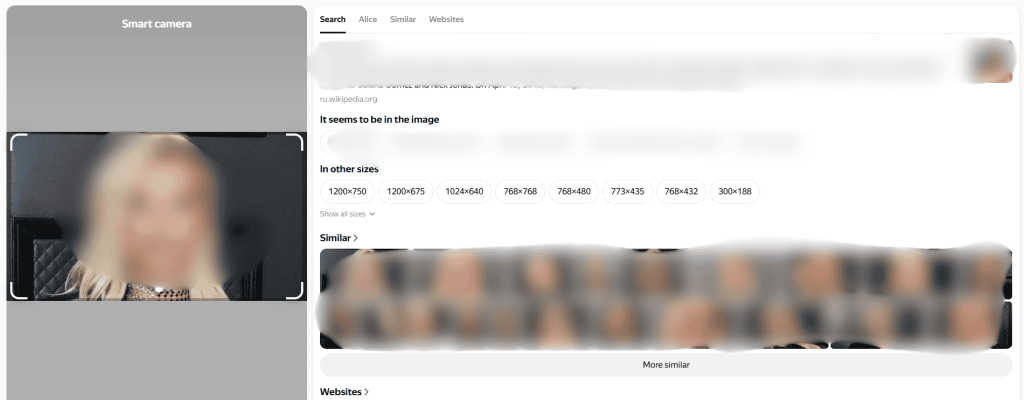
Google Lens and Yandex Images are two of the most accessible tools for running a quick reverse image search. Both allow you to upload a photo and find visually similar images or websites where the picture appears.
Google Lens is built directly into Google Images and many mobile devices. It works well for identifying photos that already exist on the web and can quickly locate pages where an image has been published.
Yandex Images offers a similar feature but is often surprisingly strong at finding visually similar faces and alternate versions of the same photo. In some cases, Yandex may return results that Google misses, especially for profile pictures.
Tip: Use Yandex.ru (which is the Russian version of Yandex) for more photo results. They may not all be the right match, but it gives you variety.
These tools are commonly used as a first step before trying paid face search engines.
- Go to Google Images or Yandex Images
- Click the camera icon
- Upload the photo you want to search
The search engine will then display similar images and the pages where they appear.
- completely free
- easy to use
- large web index
Google and Yandex are visual image search engines, not dedicated facial recognition tools. Because of this, they may struggle to identify the same person across different photos.
They also only search public websites, meaning images from private platforms like dating apps or locked social media accounts will not appear in results.
If you’re trying to verify whether an image was used in misinformation or viral hoaxes, Google’s Fact Check Explorer can sometimes help by showing fact-checked articles related to that image.
5. TinEye – Best Free Tool for Detecting Reused Images

TinEye is one of the earliest reverse image search engines and is widely used to find where a specific photo appears online.
Upload an image or paste an image URL, and TinEye will search its index of billions of images to locate websites where that exact picture appears. The system creates a digital fingerprint of the image and compares it against its database to identify matches.
TinEye is particularly good at detecting:
- exact copies of an image
- cropped or edited versions of a photo
- higher-resolution versions of the same picture
- websites where an image has been reused
Because of this, TinEye is often used to track stolen photos, reused profile pictures, or copyrighted images.
TinEye’s reverse image search is free for normal users. Businesses can access the technology through the TinEye API, with packages starting at roughly $200 for 5,000 searches.
Unlike modern face search engines, TinEye does not use facial recognition. It cannot identify the same person across different photos and is mainly designed to find exact or slightly modified copies of the same image.
Pinterest isn’t just for recipes and home decor; it actually has a cool reverse image search feature that works surprisingly well. If you upload a photo, Pinterest will show you visually similar images from across its platform. It’s completely free, and it’s fun to use.
6. Search4Faces – Best for Finding VK / OK Profile Matches
Search4Faces is a reverse face search engine that can return profile links when it finds a facial match inside its indexed social-network datasets—most notably VK (VKontakte) and OK (Odnoklassniki).
Unlike general reverse image tools, Search4Faces is dataset-driven. You choose a database (VK profile photos, VK+OK photos, TikTok avatars, etc.), upload a face photo, and the tool returns matches with links when available.
It’s particularly useful for:
- tracing stolen profile photos back to VK/OK accounts
- OSINT investigations where you need a lead (face → profile)
- checking for a footprint on Eastern European social platforms
Results depend heavily on whether the person exists in the tool’s datasets. Some collections are older, and some (like TikTok avatars) are shown as only partially processed, so “no results” can simply mean the person isn’t in the indexed sources.
Also, facial recognition can misidentify people—treat matches as a lead and verify using additional context (unique facial details, location clues, other platforms).
What happens if a reverse face search returns no results – does that mean the person is real?
No. A reverse face search returning no results does not necessarily mean the person is genuine.
Most tools like ProFaceFinder, PimEyes, Lenso.ai, or Google Lens only scan publicly indexed images on the web. If the person’s photos exist only on private platforms (Tinder, private accounts, Telegram, etc.), they may not appear in search results.
Zero matches can also happen when:
- The profile uses new or AI-generated photos
- Images were never posted publicly
- The face is heavily filtered or altered
Because of this, reverse face search should be used as one verification step, alongside other checks such as video calls, social profile consistency, and communication behavior.
 EN
EN  DE
DE  ES
ES  PT
PT  RU
RU  JA
JA  ZH
ZH
Leave a Reply